 Learning Center
Learning Center
Learning Center
In this video, Jeff will walk you through the process of building a quotation sheet in Ragic. Just need 5 minutes, you can have your own quotation system!
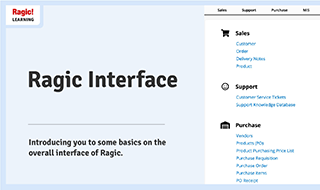
Welcome to Ragic! Before you start creating a sheet, let us spend a few minutes introducing you to some basics on the overall interface of Ragic to help you navigate the screens more easily.
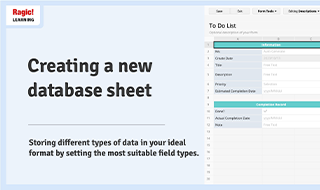
The first and most important step in creating your Ragic database is to create and customize Ragic sheets where you will store and process data. In this tutorial, you will see how to design a new sheet in your Ragic database step by step.
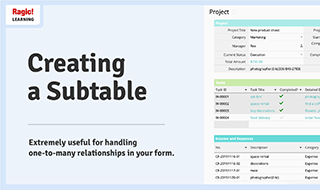
In Ragic, you can create Subtables to handle one-to-many relationships, such as all the products purchased in a "Sales Order" or maintenance records of a vehicle. In this tutorial, you will see the steps of how to design a Subtable in your Ragic database.

Introducing the key concepts of Ragic, including Database Account vs. User Account, tabs, sheets, fields, Listing Page vs. Form Page, and Design Mode.
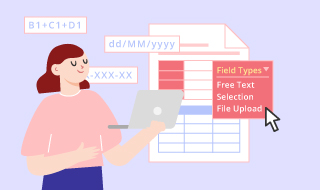
The first step of creating your Ragic database is to create customized sheets that you are going to store and process data in. In this tutorial, you will see how to design a new sheet step by step.
.jpg)
In Ragic, you can create subtables to handle one-to-many relationships, such as all the products purchased in a sales order or maintenance records of a vehicle. In this tutorial, you will see how to design a subtable step by step.

You can easily invite team members to your Ragic database and grant them different access rights on each sheet. This setting is key to allowing your users to collaborate with each other but still simultaneously secure your data.

After learning the basic Ragic features, these three key steps will help you quickly implement Ragic and build your own database.

In Ragic, we offer Ragic AI as your database assistant. It helps you easily build databases and greatly improve your work efficiency. Before getting started with Ragic, we recommend learning about the key features of Ragic AI.

In Ragic, you can adjust many aspects of your database to suit your company’s needs and increase brand awareness. By creating customer-facing forms and customizing database settings comprehensively, it will be much more appealing to your clients and employees.
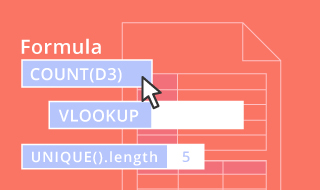
In this lesson, we will tell you how to apply formulas to calculate order amounts. Besides, we will also demonstrate the basic String Formula and the Conditional Formula.
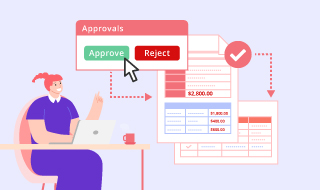
Instead of distributing hard copy forms to multiple people for approval, online approvals are enabled in Ragic to ensure you have proper documentation and save time.

For every Ragic feature, you may configure its Feature Access Rights for every user group. For instance, you can only allow the "Manager" user group to export or delete records.
All Ragic databases are backed up automatically on a daily basis. However, it's still recommended to save a manual backup before making major design changes, which is restorable if needed. Let's walk you through how to do it!

We provide many different ways to search and filter records. In this course, you will learn the differences between these methods.